
1win App Download for Android in Nigeria
Almost every reader who reaches this page is on an Android phone, on mobile data, and wants the 1win app download sorted in under five minutes. Before the first button: we are 1win Nigeria Guide, an independent affiliate resource, not the operator. We do not host, sign or distribute any installation file, and the links here are sponsored — they open the operator's own site, where the official package is published, and they may earn us a commission at no extra cost to you. Install from that domain and nowhere else. 18+ only, terms apply, and treat any warning about unknown sources as a reason to check the address bar rather than a formality.
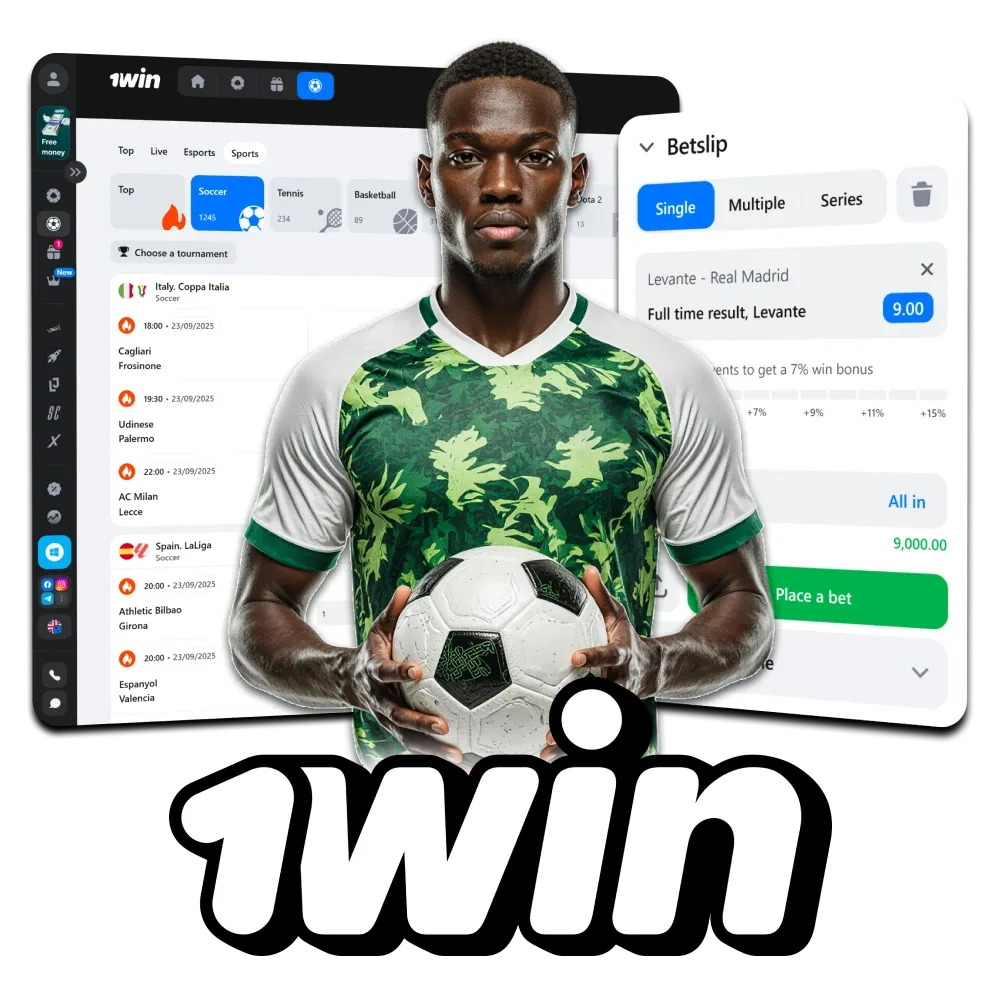
Why the Android package is an APK and not a Play Store listing
Google Play restricts real-money gambling applications to a small list of countries with specific licensing arrangements, and Nigeria is not currently covered for this category. The practical result is that the Android build is distributed as an APK file straight from the operator's website, the same as most betting brands operating here.
That is normal for the sector, but it changes your security responsibility. A Play Store install is checked by Google; an APK is checked by you. Two rules cover ninety per cent of the risk. First, download only from the operator's official domain, which you reach through the site itself — never from a file forwarded on WhatsApp, a Telegram channel, a "mod" version promising extra features, or a third-party APK mirror. Second, before installing, glance at the file name and size and compare it with what the download page states; a package that looks nothing like the description is a package to delete.
If you would rather not install anything at all, skip ahead — the mobile browser version covers the same core functions and is the sensible choice on a phone with little free storage.
Installing the APK step by step on an Android phone
The sequence below is the one Nigerian players describe to support most often, written in the order your phone will present it. Exact wording differs slightly between Tecno, Infinix, Samsung and Xiaomi builds, but the logic is identical on all of them.
Allow two to five minutes on a decent connection. If your download stalls repeatedly on mobile data, try again on Wi-Fi rather than resuming a broken file, because a partially downloaded package will simply fail at the install stage and waste the megabytes twice.
- Open the operator's site in Chrome and find the mobile or Android section on the home page
- Tap the Android download link and accept the browser's file-download prompt
- When the warning about installing from unknown sources appears, open settings and allow installation for Chrome only
- Return to your Downloads folder and tap the .apk file to begin installation
- Review the permissions requested — storage and notifications are expected; a betting app has no reason to demand your contacts
- Open the app, sign in with the account you already created, and revoke the unknown-sources permission afterwards if you prefer
What it really costs you in storage and data
Two resources decide whether the app is comfortable on your phone: free storage and your data bundle. The installed application itself is modest by modern standards and sits well below the size of a typical social media app, but the cache grows with use — lobby artwork, live tiles and game assets accumulate quietly over a few weeks.
Data is the bigger variable. Browsing markets, placing a bet or spinning a slot consumes very little. Live dealer tables and match streaming are a different category entirely, because you are receiving continuous video; an hour at a streamed roulette table will make a noticeable dent in a small bundle. If you follow in-play football on mobile data, the sensible habit is to watch the score feed and market movement rather than the stream, then reserve video for Wi-Fi.
When storage runs low, clear the app cache from Android settings before uninstalling anything. A cache clear costs you nothing but a fresh load of images; it does not sign you out permanently and it does not touch your account or any pending bets.
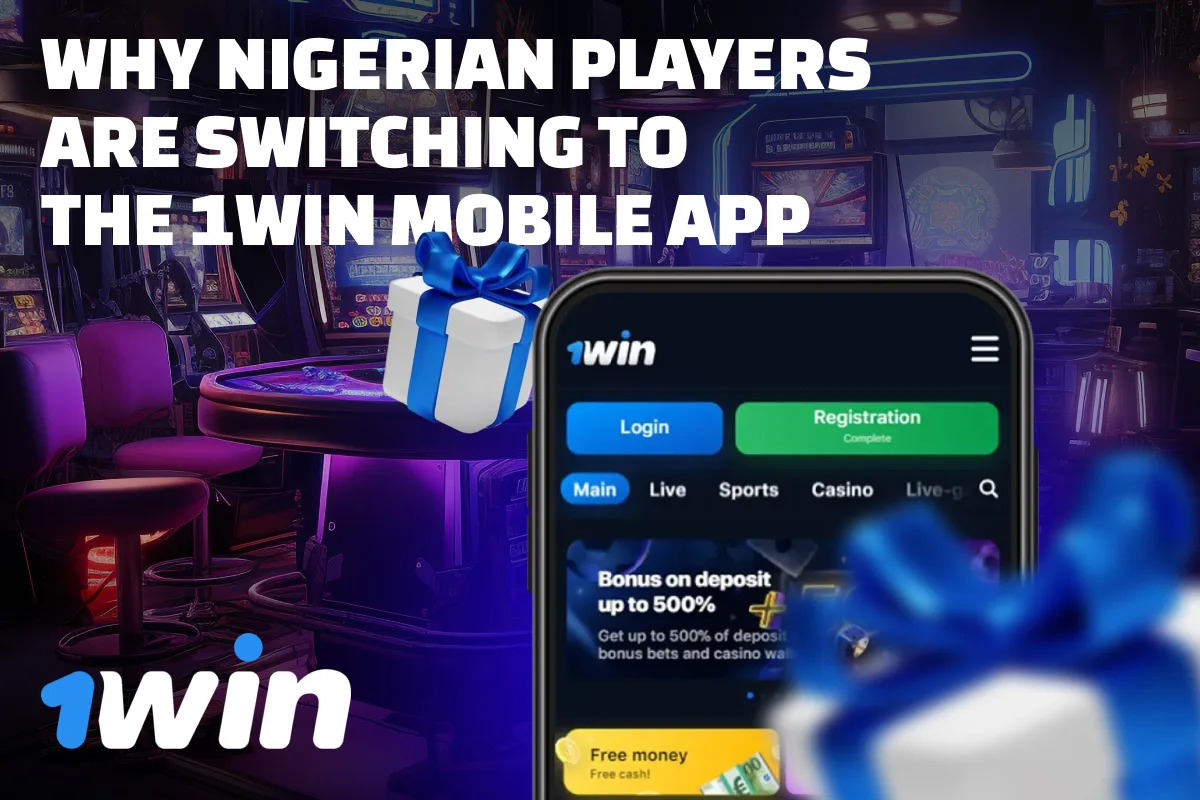
iPhone in Nigeria: what the browser version gives you
iOS distribution for gambling operators is restrictive, and availability changes without warning, so we will not state that an iPhone app exists or does not exist on the day you read this — check the operator's mobile section for the live position. What we can say confidently is that the mobile web version in Safari or Chrome handles the same core functions: account access, deposits and withdrawals in Naira, the full sportsbook including in-play, the casino lobby and live tables.
Add the site to your home screen and it behaves much like an application: one tap, full-screen layout, no address bar. You lose push notifications and you rely on the browser session staying alive, which is a minor irritation during a fast in-play market. For most readers the trade-off is acceptable, and it is also the route we suggest to Android users who simply do not want another APK on the phone. The account is the same either way — see the sign-up walkthrough if you have not created one yet.
Updates, crashes and the login errors an old build causes
Because the package sits outside Google Play, it will not update itself the way a Play Store app does. An outdated build is one of the most common reasons a player is convinced their password has stopped working when in fact the app is simply too old to complete the session handshake. If the app opens but refuses to authenticate, check for a newer version on the official site before you reset anything.
The short troubleshooting order that resolves most cases: force-stop the app, clear the cache, confirm you are on the current build, switch between mobile data and Wi-Fi to rule out a network block, then restart the phone. If the problem survives all five, contact the operator's support with your account identifier and a screenshot of the error — and never send your password to anyone, including anyone claiming to be support.
One more warning worth repeating in Nigeria specifically: unofficial "1win app" packages circulate in betting groups, sometimes bundled with adware or credential-stealing code. Anything offering guaranteed predictions, free balance or a hacked multiplier is not a betting app. Remove it and change your password from a clean device. If you want the fuller picture on how the platform performs overall, our independent assessment for Nigeria covers products, licensing and the open questions, while the independent guide home page maps the rest of the topics.
FAQ
Is the 1win app download free?
The application itself carries no purchase price. You pay only for the mobile data used to download and run it, and of course for anything you deposit. Any site charging you for the file is not the operator.
Is installing an APK safe?
It is as safe as the source. Download only from the operator's official domain, check the permissions requested during installation, and avoid modified versions shared in groups. Your phone's unknown-source warning is a prompt to verify, not a defect.
Can I use the app and the browser with one account?
Yes. The account, balance and bet history are the same whether you sign in through the Android app or through Chrome or Safari. Choose whichever suits your storage and data situation.
Download only from the operator's own domain
Affiliate disclosure: this sponsored link opens the official 1win site, the single source we recommend for the Android package and the live terms. We may earn a commission at no cost to you. 18+, gamble responsibly.
Check the current mobile version